 Zency Scan
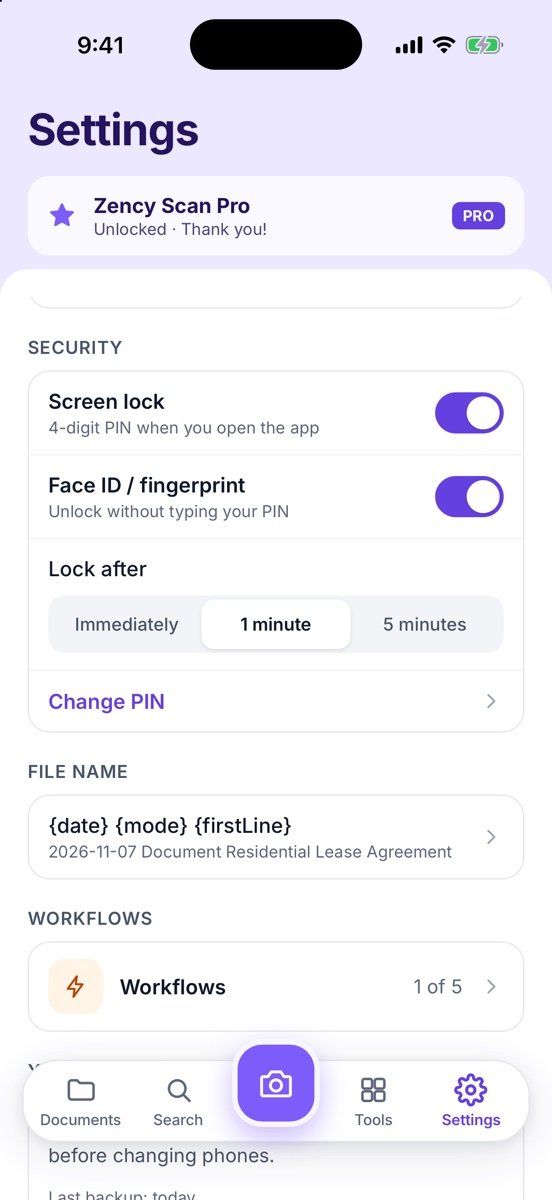
- Open Security settings
Go to Settings → Security.
- Turn on Screen lock
Switch on Screen lock and Set a 4-digit PIN — you enter it twice.
- Add biometrics
Turn on Face ID / fingerprint to unlock without typing your PIN (set it up in your phone's settings first).
- Choose when it locks
Lock after: Immediately, 1 minute or 5 minutes. Use Change PIN any time.
More screens
Tips
- If you forget the PIN, you need to reinstall the app, which removes the documents stored in it. Export a backup first.
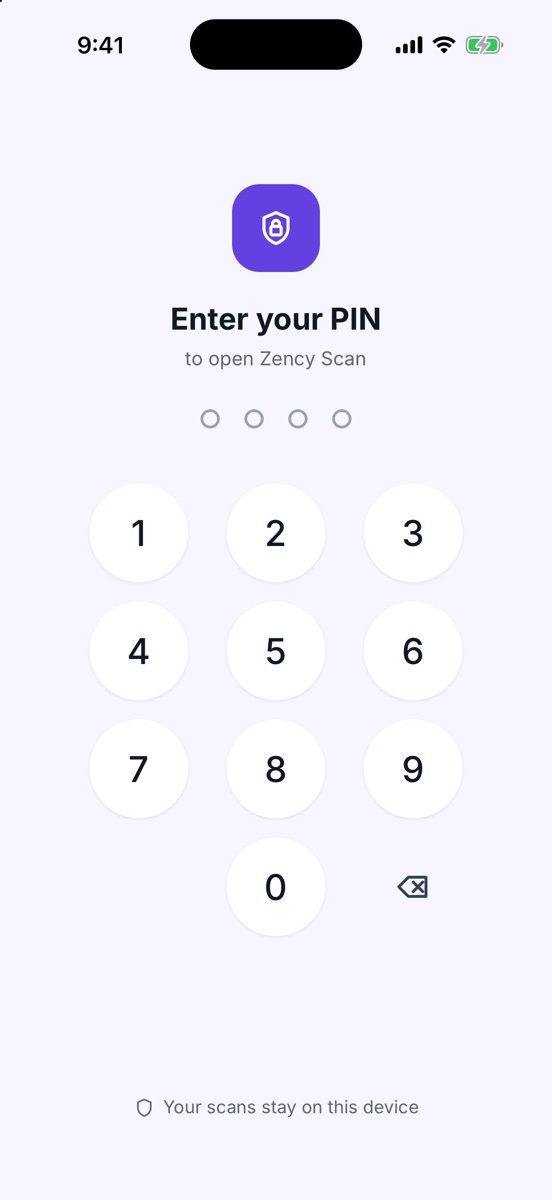
- If Face ID or fingerprint fails, you can always enter your PIN.
Free or Pro? App lock is free — PIN, Face ID or fingerprint, on every page, with no time limit. Password-protecting an exported PDF is part of Pro.
See it in a real situation: Offline document scanner: scan and OCR privately on your phone.