 Zency Scan
Paperwork, done on your phone.
Real situations — a rental application, a contract at 6 pm, exam revision, a job portal that wants one PDF — and how to get through the paperwork without a printer. Plus honest comparisons and privacy guides.
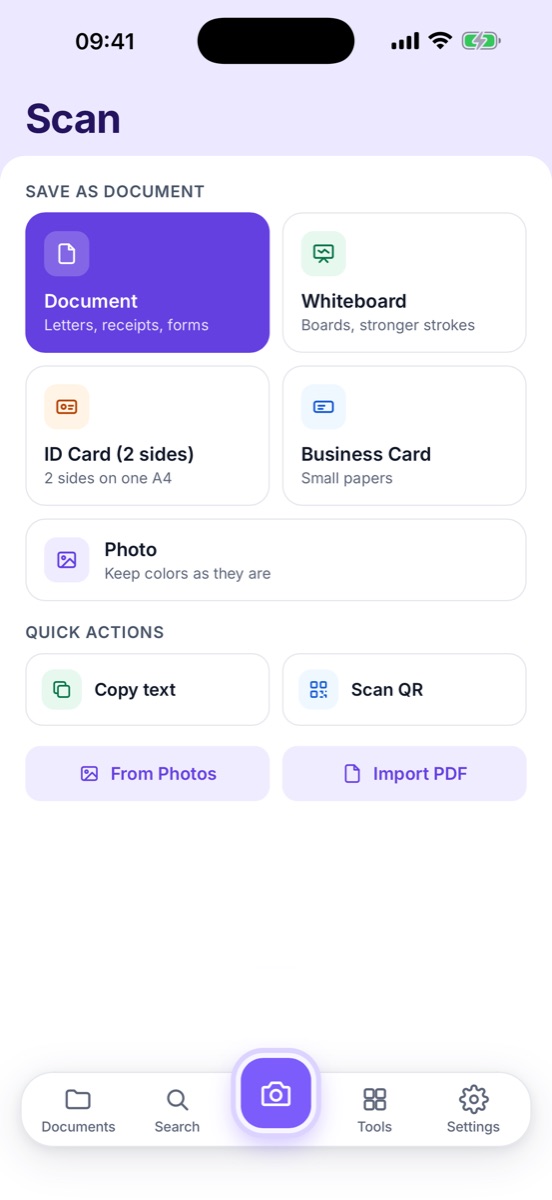
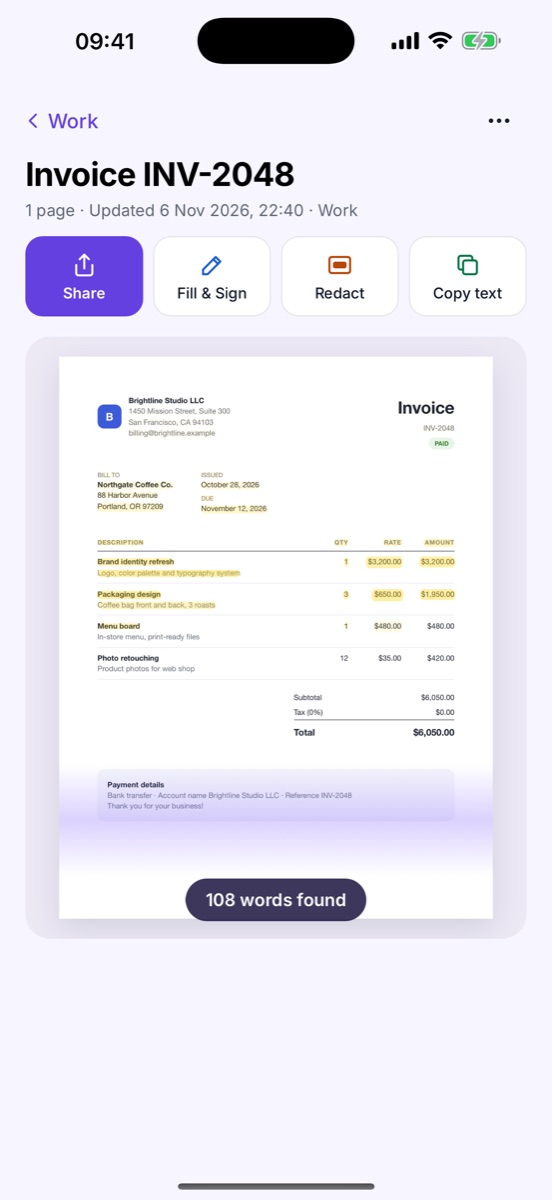
Microsoft Lens alternative: an offline scanner that keeps your scans on your phone
Lens is gone. How to keep your old scans, and a replacement that still scans offline with no account.
Real-life guides
Everyday situations — renting, applying, signing, studying — and how to handle the paperwork from your phone.
Renting an apartment? Put your rental application together on your phone
ID, pay stubs, bank statements — sent as one tidy PDF, with the private bits hidden.
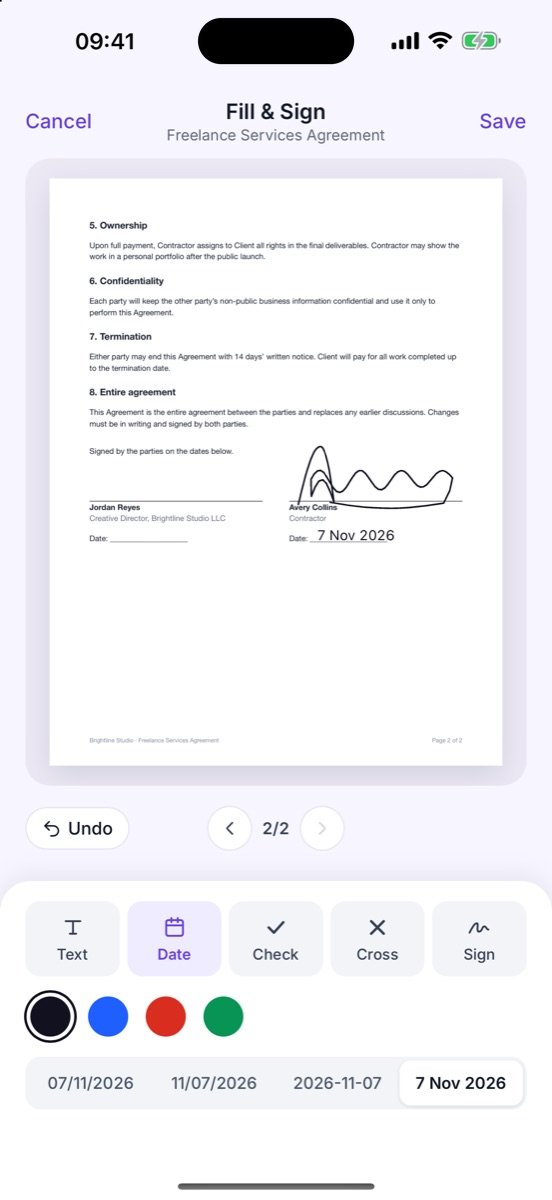
Freelancers: sign and return a contract without a printer
A client contract at 6 pm, back signed tonight — and an invoice routine that runs itself.
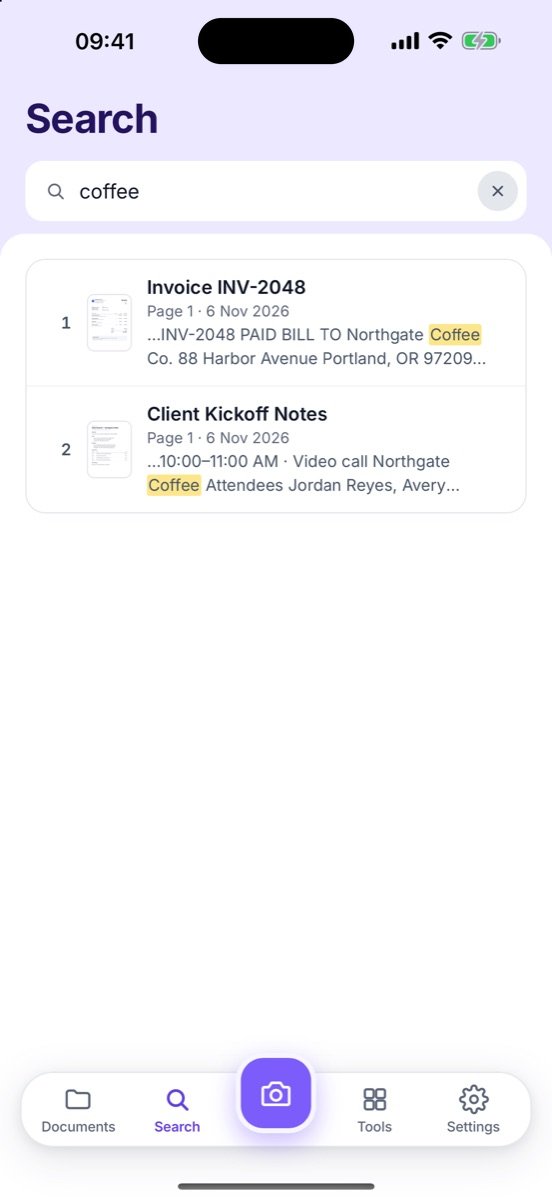
Students: turn whiteboards, handouts and notes into searchable PDFs
Snap the board before it's erased — and find any definition in seconds before the exam.
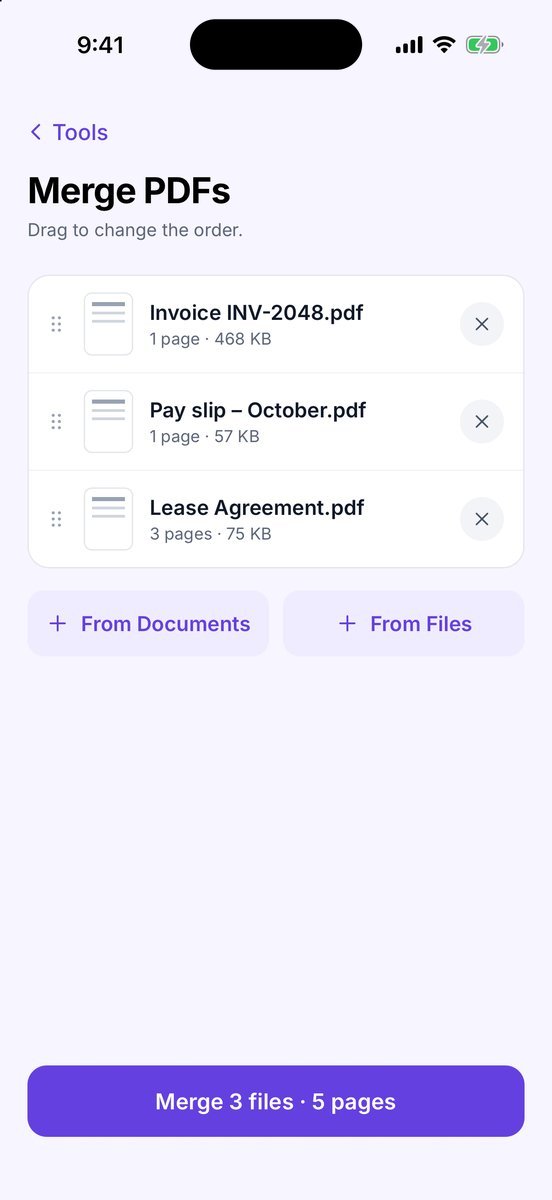
Job application asks for one PDF? Combine diplomas, certificates and references
CV, diplomas, certificates and references — one clean, searchable PDF under the limit.
Comparisons & privacy
Scanner apps side by side — price, OCR and privacy — and how to keep scans of personal papers on your phone.
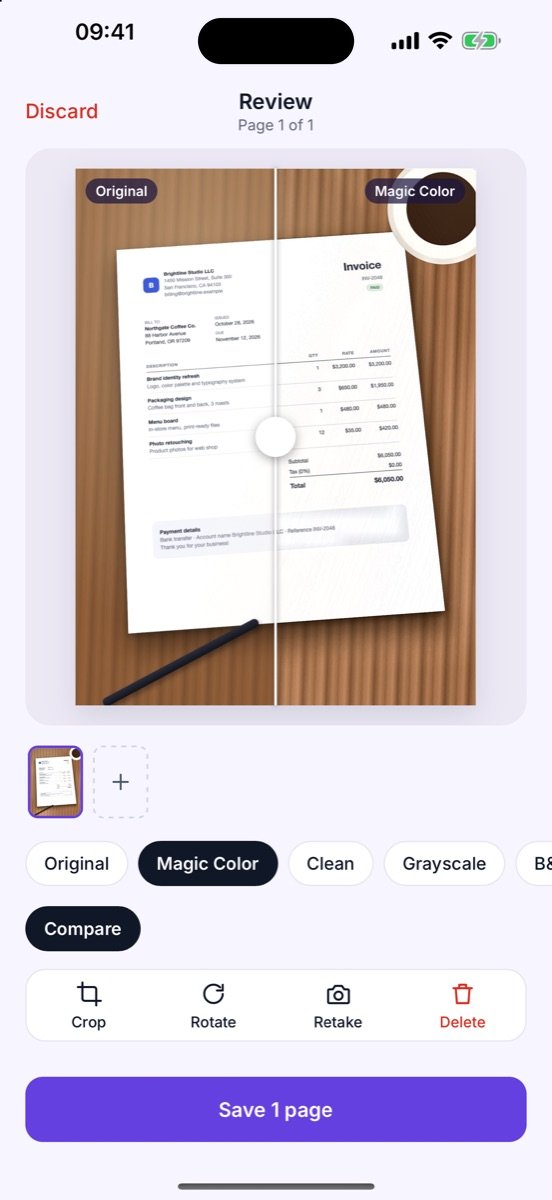
CamScanner alternative with no subscription: pay once, scan forever
What scanner subscriptions really cost over three years, and what to look for in a pay-once alternative.
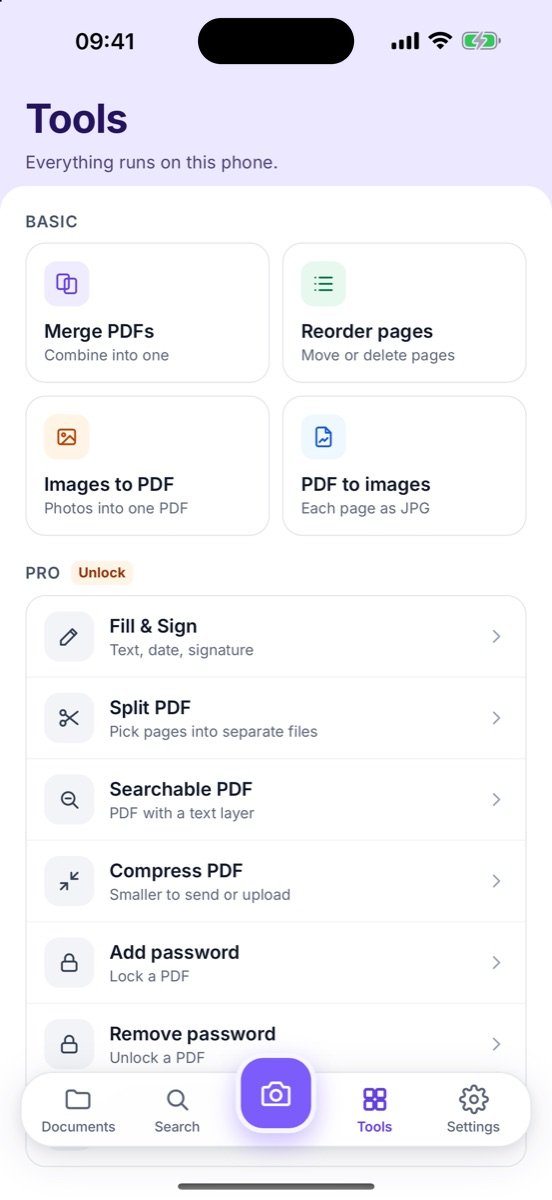
Apps like CamScanner for iPhone and Android
CamScanner, Adobe Scan, Genius Scan and Zency Scan compared on price, OCR and privacy.
Offline document scanner: scan and OCR privately on your phone
How on-device OCR works and a 5-point privacy check for any scanner app.
Looking for how a button works?
The Help center has short step-by-step guides for every feature and every tool in the Tools tab.
Looking for document organization, receipts or a private vault? Visit the Zency blog.