 Zency Scan
Microsoft Lens alternative: an offline scanner that keeps your scans on your phone
Microsoft Lens was removed from the app stores and stopped scanning in March 2026. Here is what changed, how to keep your old scans, and what to look for in a replacement that still works offline.
Microsoft removed Lens from the App Store and Google Play on February 9, 2026, and scanning stopped on March 9, 2026. Microsoft points users to the scan button in OneDrive, which saves scans to the cloud. If you liked Lens because it was simple and kept scans on your phone, look for a scanner with the same modes (Document, Whiteboard, Business Card, Photo), on-device text recognition and PDF/Word export — Zency Scan is one, with no account and no subscription.
What happened to Microsoft Lens
Microsoft Lens (formerly Office Lens) was one of the most-loved free scanner apps: point the camera at a page, a whiteboard or a business card, and get a clean PDF, Word file or image. In August 2025 Microsoft announced it would retire the app. After pushing the dates back once, Microsoft removed Lens from the App Store and Google Play on February 9, 2026, and the app stopped creating new scans on March 9, 2026.
Microsoft's suggested replacement is the scan button in the OneDrive app. It works, but it is a different kind of tool: OneDrive is cloud storage, so scans are saved to your OneDrive account rather than kept on the phone.
First: save your old Lens scans
If Lens is still installed, your earlier scans may still be viewable inside it — but the app is no longer supported, and once it is deleted there is no official way to reinstall it. Rescue anything important now:
- Open Lens and go to your saved scans.
- Share or save each one as a PDF (or as images) to Files, Photos or your computer.
- Check that the copies open before you delete the app.
What Lens users actually want in a replacement
| What you liked in Lens | What to look for | Zency Scan |
|---|---|---|
| Document, Whiteboard, Business Card and Photo modes | Modes tuned per kind of paper | Same four modes, plus ID Card (2 sides) |
| Free, no fuss | No subscription, no watermark | Free to scan and export PDF/JPG; Lifetime Pro is $7.99 once |
| Scans stayed on your phone | Works without an account or cloud | No account; scans stay in the app on your phone |
| Export to PDF and Word | PDF, images and editable text | PDF, JPG and Word (.docx); no PowerPoint or Excel export |
| Text recognition | OCR that runs on the device | On-device OCR on every page; printed text only, no handwriting yet |
Disclosure: we make Zency Scan. We have listed what it does not do, too — if you relied on PowerPoint or Excel export, or on handwriting recognition, it is not a full replacement.
Moving from Lens to Zency Scan
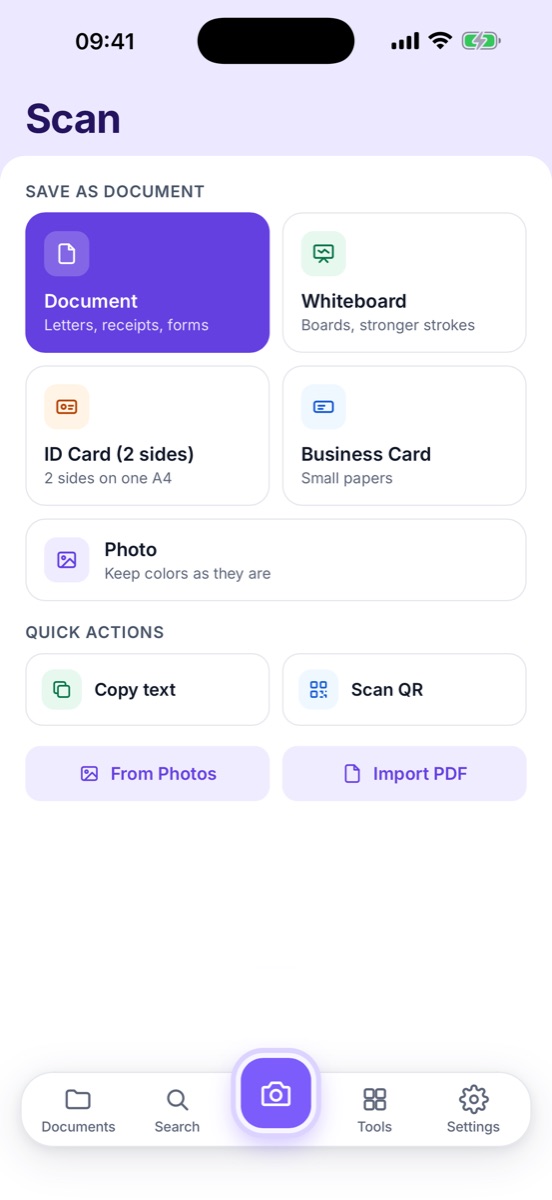
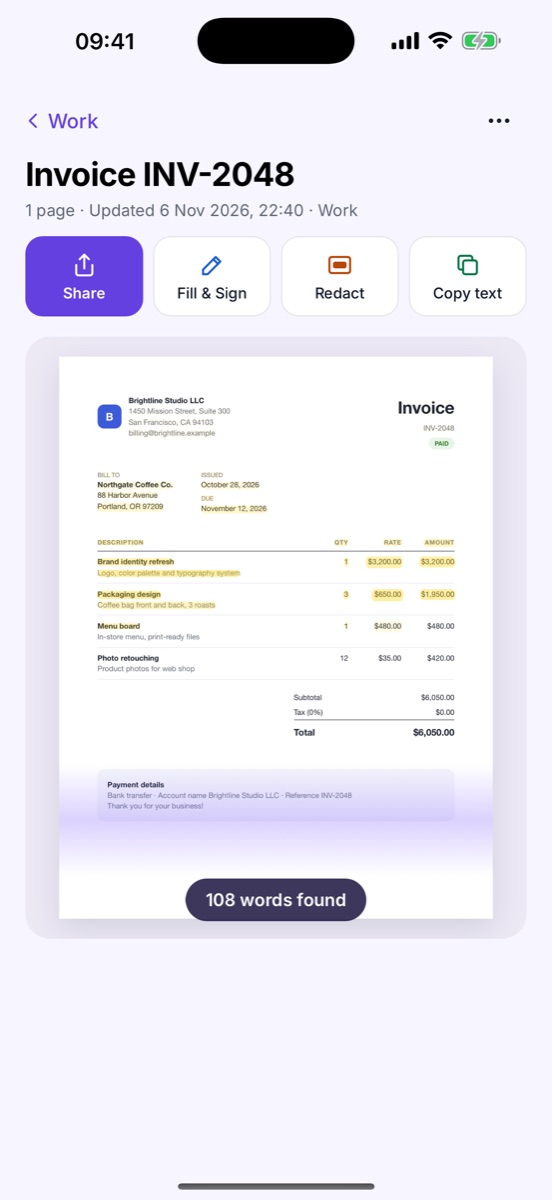
- Bring your old scans: on the Scan screen, use Import PDF for the PDFs you saved from Lens, or From Photos for images. Every imported page is read on your phone, so you can search the text later.
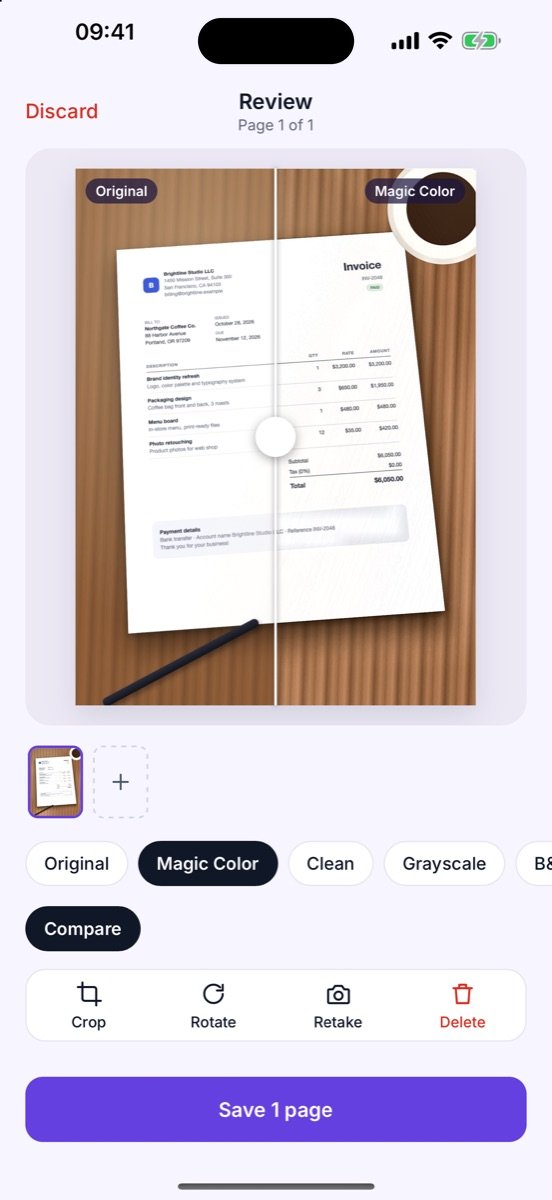
- Scan like you did in Lens: pick a mode, capture the page, choose a filter such as Clean or Whiteboard and save. See Scan a document.
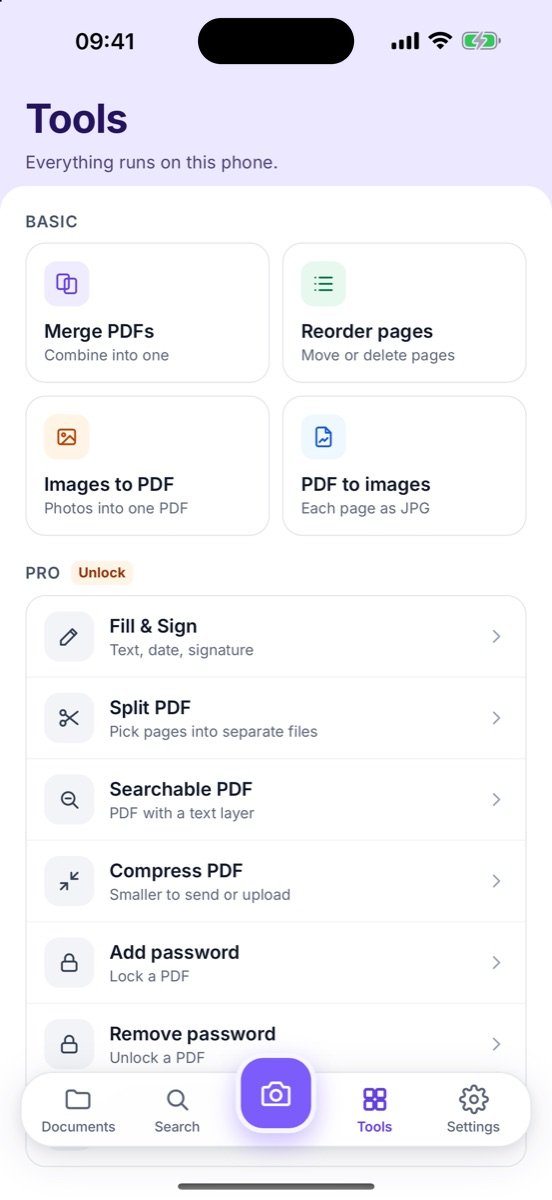
- Share the same formats: Share as PDF or JPG with a target size, or export to Word for editing.
Should you just use OneDrive instead?
If your files already live in OneDrive and you are happy for scans to be stored there, the built-in scanner is the simplest option and needs no extra app. If you scan passports, leases, pay slips or medical letters and would rather they stayed on your phone — or you don't want to sign in to anything to scan a receipt — a local-first scanner is the closer match to how Lens felt.
Common questions
Can I still use Microsoft Lens?
Lens was removed from the stores on February 9, 2026 and stopped creating new scans on March 9, 2026. If it is still installed, you may still be able to view earlier scans, but Microsoft no longer supports it.
Can I move my old Lens scans to Zency Scan?
Yes. Save or share your old scans as PDF or images first, then open them in Zency Scan with Import PDF or From Photos. Zency Scan reads the text on every imported page, so they become searchable.
Does Zency Scan read handwriting like Lens?
Not yet. Zency Scan recognizes printed and typed text. Handwritten pages are kept as clean scans you can read and share.
Do I need a Microsoft account or any account?
No. Zency Scan has no account. Scans stay in the app on your phone unless you share or export them.
Sources
- Android Authority — Microsoft Lens retirement timeline
- BleepingComputer — Microsoft is retiring the Lens scanner app
- Thurrott — Microsoft Lens app to be retired on March 9
- Choose a scan mode — Document, Whiteboard, ID Card, Business Card and Photo.
- Scan a document — Capture one or many pages and save them as one PDF.
- Export to Word — Turn a scan into an editable .docx.
- Share & export — Send as PDF, JPG or Word; set a target size and paper for PDF and JPG, or add a password.