 Zency Scan
JPG to PDF — merge and combine images into one PDF, free
Merge JPG, PNG or WebP images — photos, screenshots or scans — into a single PDF, one image per page, with no limit on how many. Everything happens in this browser tab — nothing is uploaded.
Your files never leave this device — nothing is uploaded.
How to use it
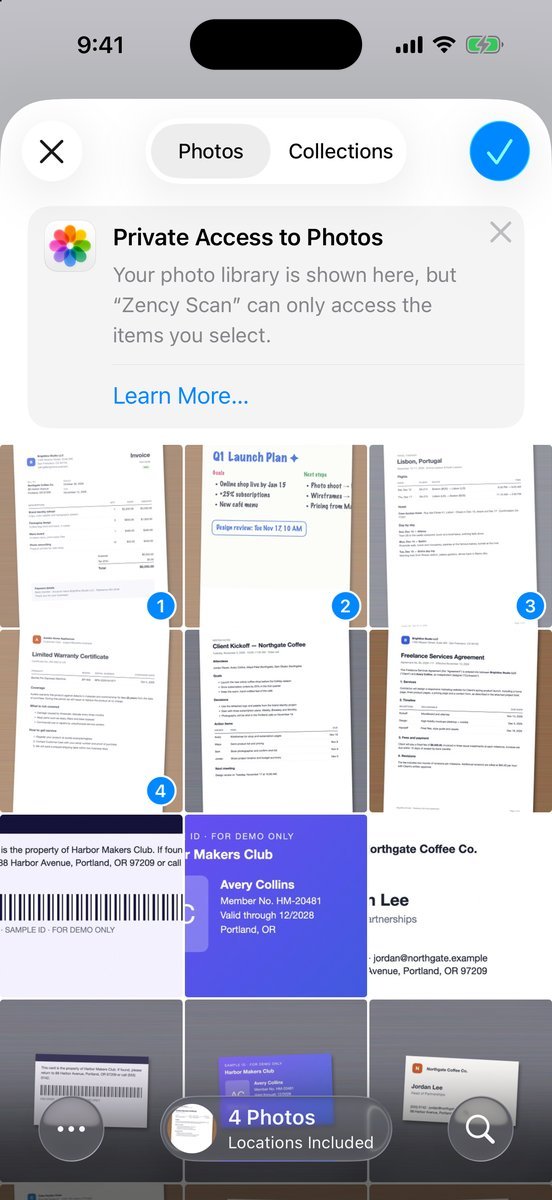
- Tap Choose photos and select your images — on a phone you can pick straight from your photo library.
- Set the order with ↑ and ↓, then pick A4, Letter or Fit image (each page the size of its photo).
- Tap Convert, then Download PDF. Landscape photos get a landscape page automatically.
Private by design
Most online PDF sites upload your file to their servers to process it. This tool doesn't: the work happens inside your browser with open-source libraries hosted on this site, and the result is created on your device. There is no account, no email and no tracking of your files.
Zency Scan's Images to PDF is free and offline, with A4/Letter pages and a file-size cap — and From Photos crops and cleans document photos like a real scan.

Common questions
Is this JPG to PDF converter free?
Yes — no sign-up, no watermark, no page limit. Photos are resized to at most 3000 pixels on the long side, which keeps text sharp and the PDF a reasonable size.
Are my photos uploaded?
No. The PDF is built inside your browser with the open-source pdf-lib library. Your photos never leave your device.
Can I combine screenshots into one PDF?
Yes. Screenshots are PNG or JPG files, so pick them like any photo. Choose Fit image to keep each page the shape of the screenshot, or A4/Letter if the PDF will be printed.
Can I convert iPhone HEIC photos?
Yes in Safari on iPhone, iPad and Mac, which can read HEIC. Chrome and Firefox can't — export the photos as JPG first, or use the free Images to PDF tool in the Zency Scan app.
My photos are of paper documents. Can they look like scans?
This tool places each photo as it is. To crop the edges and clean up the background, use From Photos on the Scan screen of the Zency Scan app — it finds the page edges and applies a scan filter.
Can I merge more than 20 images into one PDF?
Yes. There is no limit on the number of images — 20, 50 or 100 photos become one PDF, in the order you set. Very large batches depend on your device's memory, so on a phone 100+ full-resolution photos can take a minute.
Does it work on Windows, Mac, iPhone and Android?
Yes. It runs in any modern browser — Chrome, Edge, Safari or Firefox — on a computer or a phone. Nothing to install, and the merged PDF is saved straight to your device.
- How to combine photos into one PDF on iPhone or Android — every way to do it on iPhone and Android.
- Images to PDF in the Zency Scan app — step by step.
- Merge PDF — Combine several PDFs into one file, in any order.
- PDF to JPG — Save each page of a PDF as a JPG image.
- ID card to PDF — Both sides of an ID card on one printable page.