 Zency Scan
How to scan receipts for expenses — free, with no account
A simple system for keeping receipts on your phone: scan them the same day, name and file them automatically, find any one by its total, and send a month's receipts as one PDF.
Scan each receipt the day you get it and keep them in one folder per month or project. In Zency Scan that's free and offline: a one-tap workflow scans, names and files a receipt in a few seconds, Search finds one later by its total or shop name, and Merge PDFs turns a month of receipts into one PDF for your expense report.
Why scan receipts the same day
- Thermal paper fades. Most till receipts are printed on heat-sensitive paper that can turn blank within months, faster in a warm wallet or car.
- Expense claims have deadlines, and a lost receipt often means a lost reimbursement.
- Returns and warranties usually need proof of purchase.
- Tax records: if you're self-employed, you may need to keep receipts for years. Rules on how long, and whether a clear digital copy is enough, differ by country — check your tax authority's guidance, or use our free receipt retention checker.
Do you need an expense app?
| Option | Good for | Trade-off |
|---|---|---|
| Dedicated expense apps | Companies with approval flows, card syncing, reimbursements | Usually an account and a subscription; receipts stored in their cloud |
| Notes, Google Drive, photos | An occasional receipt | Hard to find one later; photos aren't named or filed |
| Zency Scan | Freelancers, small teams, personal and household expenses | No approval workflow — it scans, files, finds and sends |
If your employer gives you an expense tool, use it. If you just need your receipts safe, findable and ready to send, a scanner that keeps them on your phone is simpler.
Set it up once (two minutes)
- Make a folder. In Documents, tap + New folder — “Receipts 2026”, or one per client or trip.
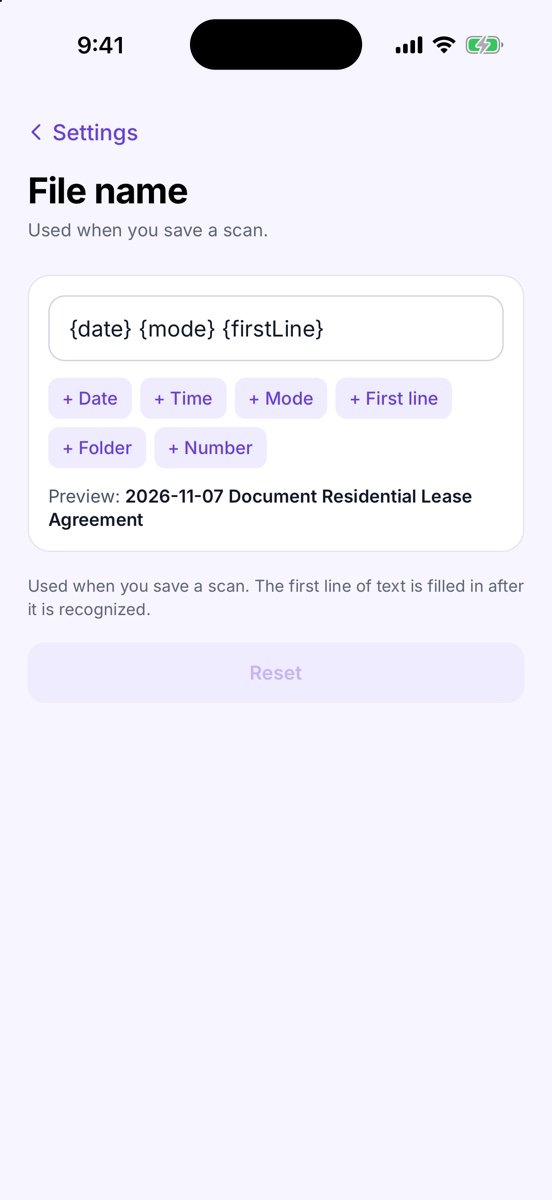
- Name receipts automatically. In Settings → File name, use a pattern such as
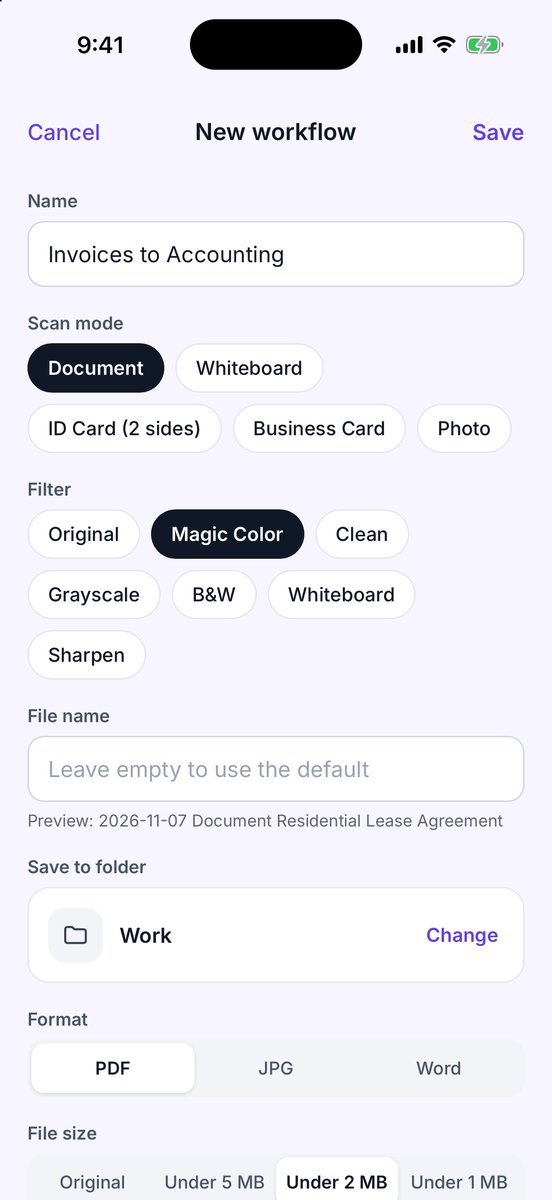
{date} {firstLine}. The first line of a receipt is usually the shop's name, so a scan saves as something like “2026-11-11 Corner Café”. - Create a one-tap workflow. Settings → Workflows → + New workflow: name it “Receipts”, choose the Document mode and the B&W filter, set Save to folder to your receipts folder, and pick what happens after saving — for example Email to your accountant, or Save to Files.
Scan a receipt in a few seconds
- Tap the Receipts chip on the Scan screen.
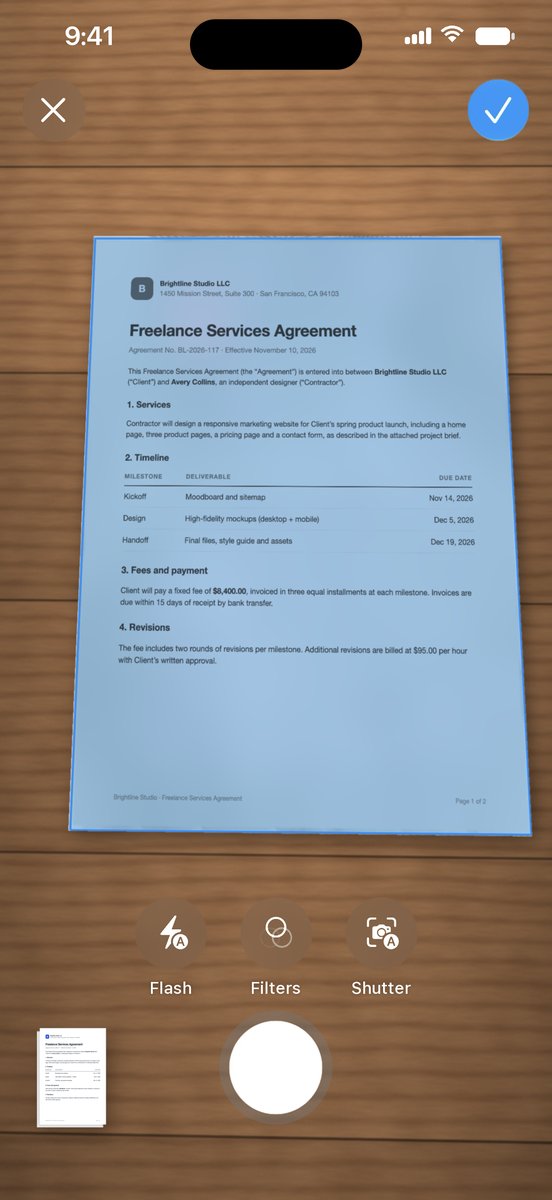
- Hold the phone over the receipt — on a dark surface, flattened — and let it capture.
- Tap Save. The receipt is named, filed and, if you chose it, sent.
Long receipt? Fold it in sections or scan it in two parts, then reorder the pages in Review before saving.
Find any receipt later
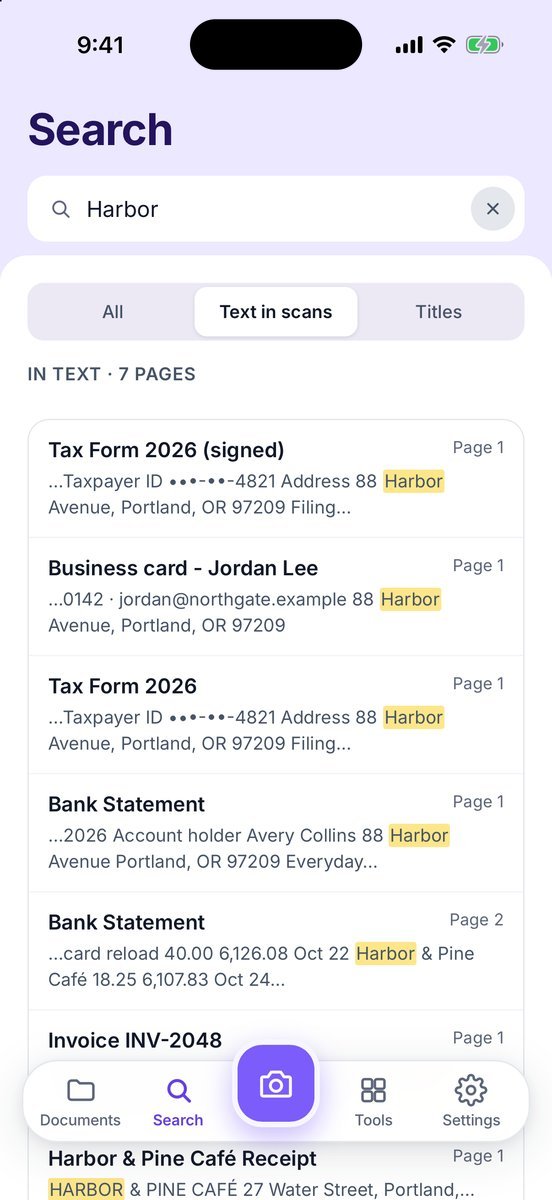
Text recognition runs on your phone after each scan, so the Search tab can find a receipt by anything printed on it — the total (“42.80”), the shop, or the date. The result opens on the right page with the match highlighted. How search works.
Send a month of receipts as one PDF
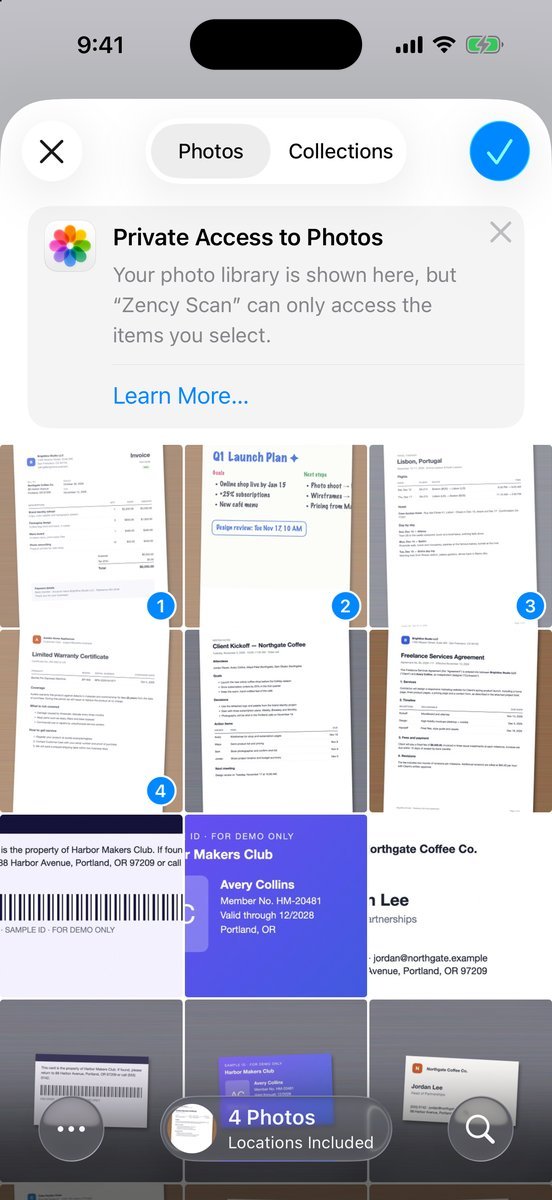
- Go to Tools → Merge PDFs and pick the month's receipts From Documents.
- Drag them into date order and tap Merge.
- Share the single PDF with your expense report — or use the free Merge PDF tool on a computer.
Merge PDFs is free. Set a File size cap if your company's expense system limits attachments. One PDF per month (or per trip) is also the easiest thing to attach to an expense report or to a transaction in accounting software such as QuickBooks or Xero, which accept receipt files as attachments.
Common questions
Is a scanned receipt as good as the paper one?
For many expense policies and tax authorities, a clear, complete digital copy is accepted, but the rules differ by employer and country. Check your company policy or tax authority, and keep paper originals if they're required.
Can I scan receipts for free without an account?
Yes. Zency Scan scans, files and exports receipts for free with no account and no watermark; everything stays on your phone.
Can I search receipts by amount?
Yes. Zency Scan reads the text on every receipt on your phone, so you can search for a total such as 42.80 or a shop name. Searching inside scans is Pro after your first 20 pages.
How do I send all my receipts to my accountant?
Merge a month's receipts into one PDF with Merge PDFs and share it, or set up a one-tap workflow that emails each receipt as soon as you scan it.
What format should receipts be in for an expense report?
PDF is the safest choice: one PDF per receipt, or one merged PDF per month or trip, readable at any size and accepted by almost every expense and accounting tool. Use JPG only if a system asks for images.
- How long to keep receipts? — free retention checker for the US, UK, Germany, France, Canada and Australia.
- How to archive tax receipts before they fade — organize scans by tax year so they are easy to hand over.
- Export receipt evidence for tax records — what to send your accountant, without spreadsheets.
- One-tap workflows — Scan, name, file and send in one step.
- Name files automatically — Use a template with the date and first line.
- Search inside scans — Find a document by any word on its pages.
- Merge PDFs — Combine several PDFs or scans into one file.